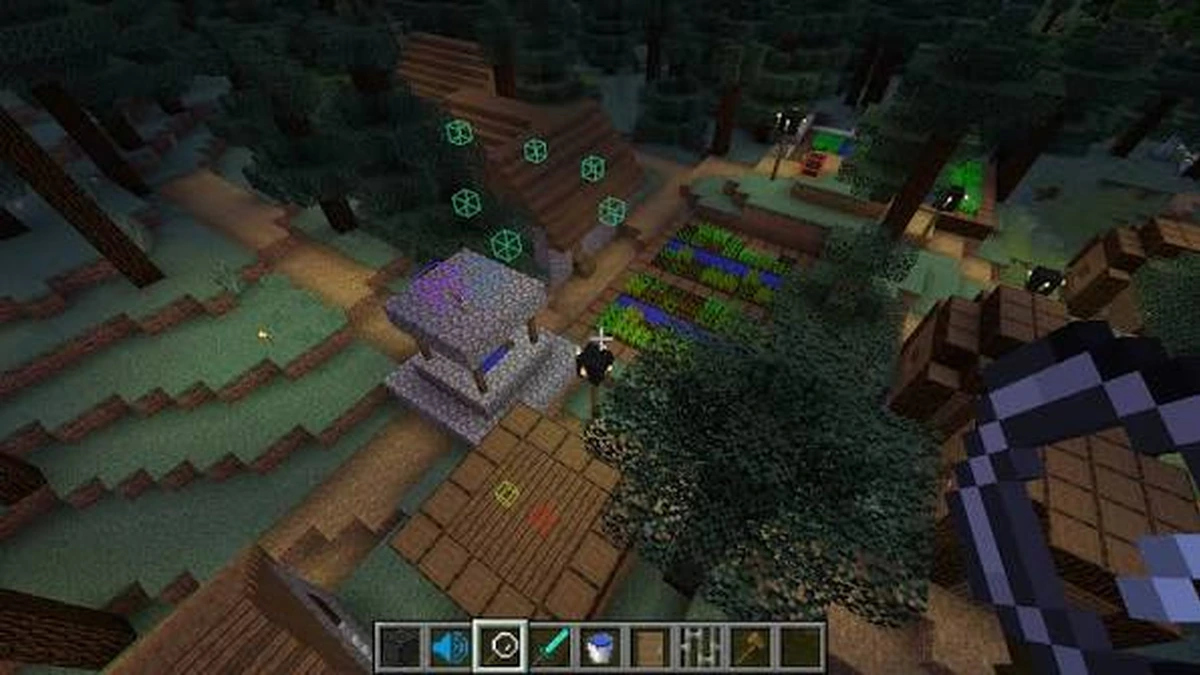
AmbientSounds Mod can sit alongside other sound-focused mods, but each project changes a different part of the audio experience. Here is a practical way to test combinations without turning your mod folder into a guessing game.
Different mods can affect different audio layers
AmbientSounds focuses on environmental ambience. Other projects may alter acoustics, footsteps or other sound behavior, so their goals can overlap without being identical.
Compatibility is version-specific
Do not assume two audio mods are always compatible. Use matching Minecraft and loader releases and review the current project pages for each mod.
Build a minimal test profile
Start with AmbientSounds, CreativeCore and one additional audio mod. Visit several environments and listen for missing, duplicated or unusually loud sound layers.
Tune before adding more mods
If both mods provide configurable volume or behavior, adjust them before adding another audio system. This keeps the source of a problem easier to identify.
Related guides
Continue with the AmbientSounds Mod guide index, the installation checklist, or the 20-question FAQ.