AmbientSounds Mod for richer Minecraft ambience.
Bring Minecraft worlds to life with layered environmental audio, biome-aware ambience and configurable sounds that make exploration feel more natural.
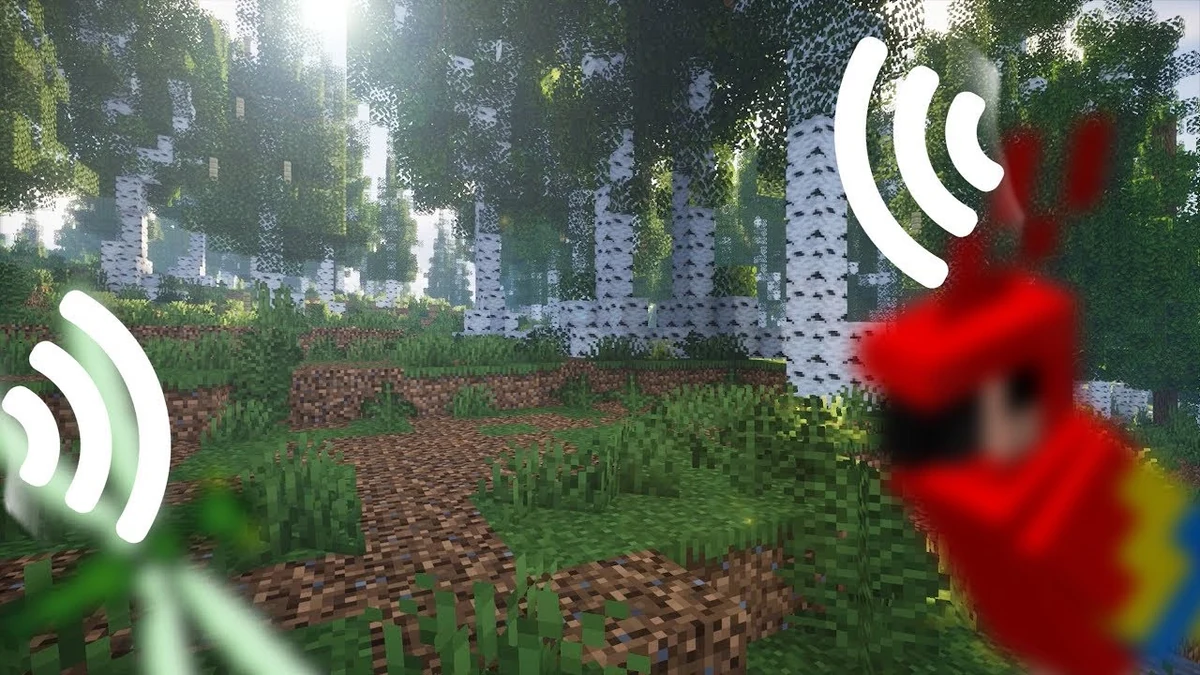
 AmbientSounds Mod
About AmbientSounds Mod
AmbientSounds Mod adds a richer layer of environmental sound to Minecraft, helping forests, caves, weather and different areas feel more distinct without changing the way you play.
What AmbientSounds Mod is designed to do
AmbientSounds Mod is made for Minecraft players who want the world to sound less static. It layers environmental ambience around the player so different places and conditions can carry their own audio character.
The mod uses CreativeCore as a required dependency, so the safest setup is to keep Minecraft, your loader, AmbientSounds Mod and CreativeCore on compatible builds.
/cmdclientconfig for the config menu and /ambient-debug to inspect active sounds.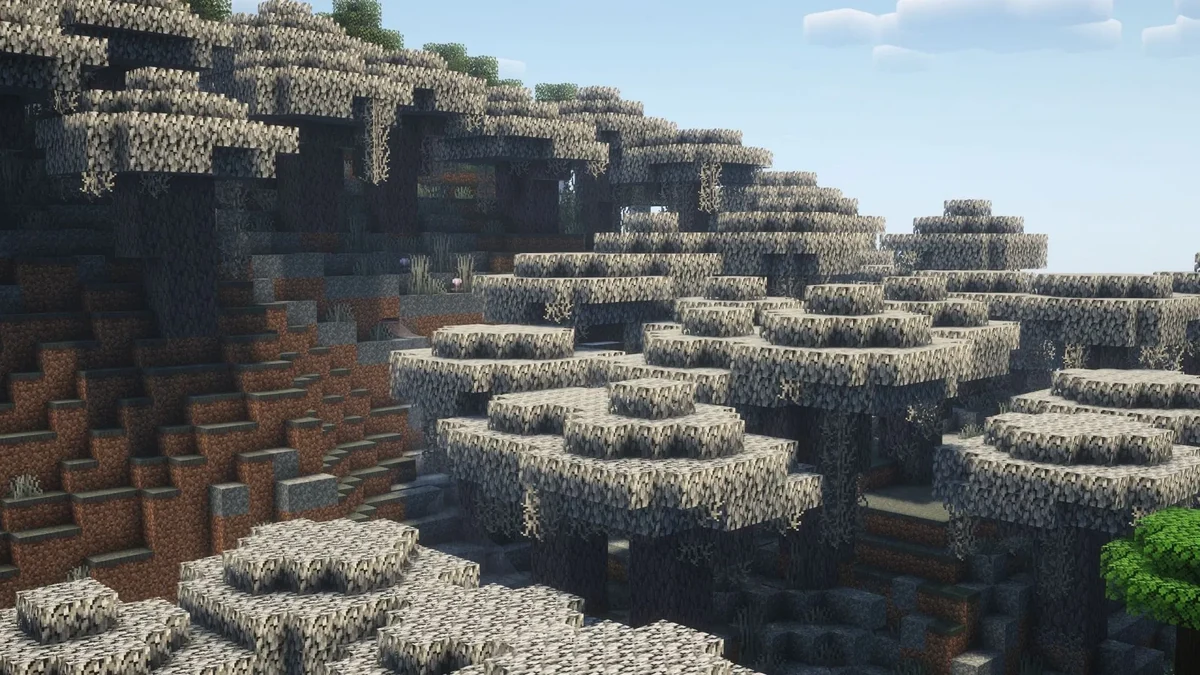
What AmbientSounds Mod brings to Minecraft
AmbientSounds Mod focuses on atmosphere: more environmental audio, smoother transitions, area-based sound variety and controls that let you shape the experience to your setup.
Richer environmental ambience
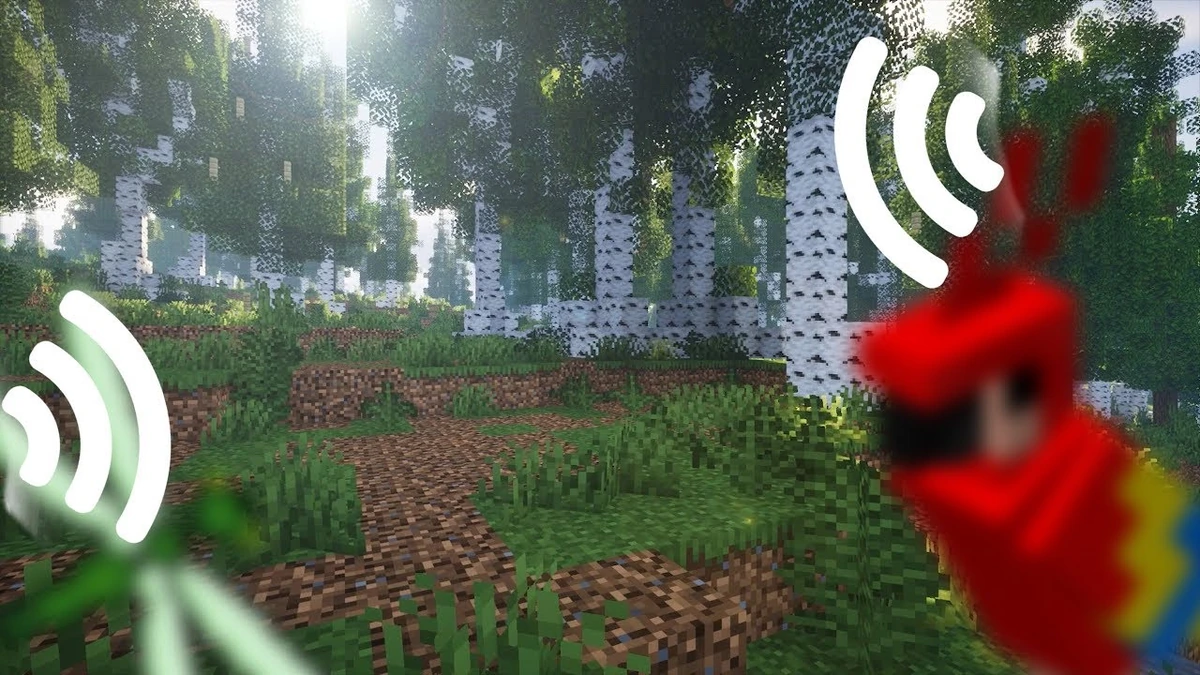
Expands the environmental soundscape so forests, weather and surrounding regions can feel more active.
Smoother sound transitions
The project specifically highlights smoother looping to reduce abrupt transitions in ongoing ambience.
Different places, different soundscapes
Multiple sounds can be associated with a region, with variation over time rather than one unchanging loop.
Controls for your preferred ambience
A reworked engine provides more options, while the documented client config command gives access to settings.
Helpful sound debugging
The documented debug command helps identify which sounds are currently playing when diagnosing unexpected behavior.
Made for a flexible modded setup
AmbientSounds Mod is available across commonly used Minecraft mod-loader listings, so you can match the mod to the loader used by your existing instance.
How AmbientSounds Mod works in your setup
Choose the AmbientSounds Mod file that matches your Minecraft version and loader, keep CreativeCore on the same setup, then launch the game and adjust the ambience to your preference.
Choose a matching release
Select the AmbientSounds file built for your Minecraft version and chosen loader.
Add CreativeCore
Install the compatible CreativeCore dependency required by the AmbientSounds project.
Place files in the instance
Put the compatible mod JAR files in the mods folder used by your selected Minecraft instance.
Launch and configure
Start the matching loader profile and adjust the mod through its configuration options as needed.
AmbientSounds Mod compatibility
AmbientSounds Mod is distributed in loader-specific builds. Match the mod file, Minecraft version and CreativeCore dependency before you launch your instance.
Client environment
The project is identified as client-side. Install it in the client instance where you want the ambient audio.
Loader-specific files
Use the release intended for Fabric, NeoForge or Forge rather than mixing loader builds.
CreativeCore dependency
CreativeCore is required, and its version should be compatible with the same Minecraft and loader combination.
Where AmbientSounds Mod makes the biggest difference
Exploration
Hear changing environmental layers while moving through forests, open areas and other regions.
Weather atmosphere
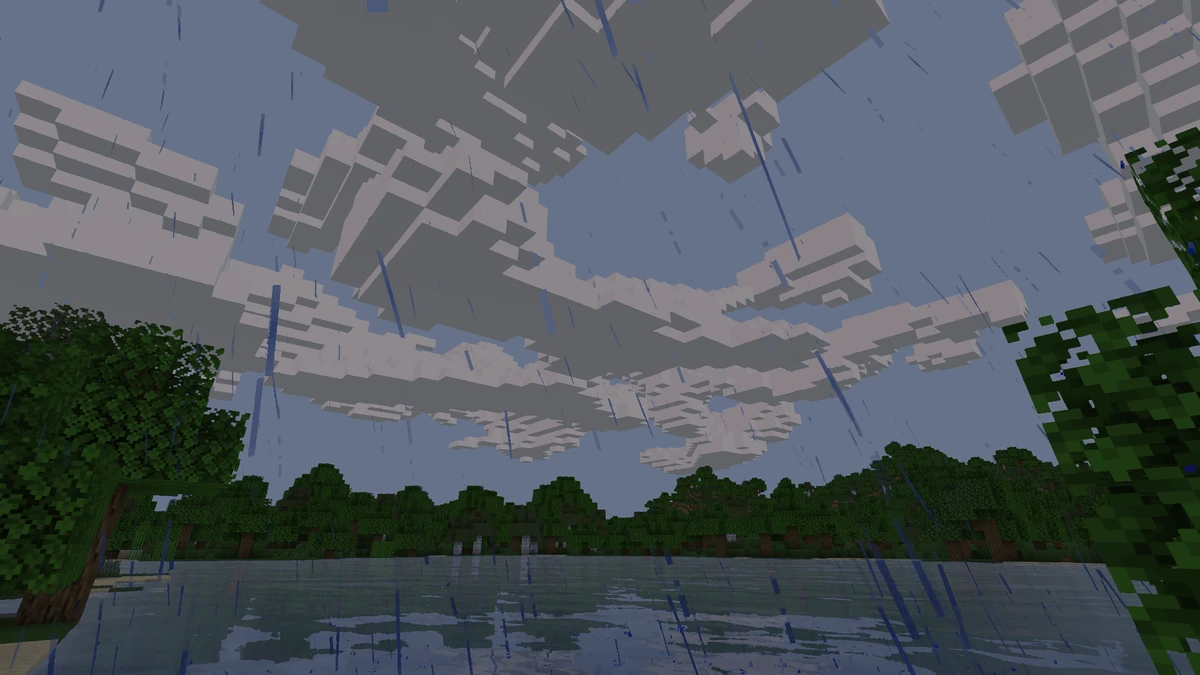
Use the mod alongside Minecraft's weather and environment to build a more layered listening experience.
Immersive sessions
Players who value ambience can make ordinary travel and building sessions sound less static.
Why players use AmbientSounds Mod
More location identity
Different areas can have more distinct sound character as active ambience changes with context.
User configuration
Documented configuration access gives users a path to adjust the experience instead of accepting one fixed setup.
Useful diagnostics
A dedicated debug command can help identify active sounds when investigating unexpected audio.
Install AmbientSounds Mod without the guesswork
A clean install is mostly about matching versions. Check your Minecraft instance first, then add the correct AmbientSounds Mod and CreativeCore files before launching.
Confirm your Minecraft instance
Note the exact Minecraft version and the mod loader used by the instance.
Download matching files
Choose AmbientSounds and CreativeCore releases made for that environment.
Add the JAR files
Place the files in the instance's mods folder and avoid leaving older duplicate builds there.
Launch and verify
Start the loader profile, enter a world and confirm the mod appears to load before changing advanced settings.
Download AmbientSounds Mod
AmbientSounds Mod adds layered environmental audio to Minecraft, with region-aware ambience, smoother sound loops and configurable client-side soundscapes. Match the release to your Minecraft version, mod loader and CreativeCore dependency before installation.
Download AmbientSounds Mod
A cleaner way to install AmbientSounds Mod
Use the supplied source
Keep the file source clear and avoid unrelated mirrors when you are trying to reproduce a known setup.
Match dependencies
Install CreativeCore alongside the AmbientSounds build intended for the same environment.
Back up instances
Make a copy of important worlds or instance settings before large mod changes or updates.
Review changes
When updating, read the file information and keep only the build you intend to use.
AmbientSounds Mod: practical strengths and limits
Pros
- Client-side ambience can enrich exploration without changing core progression.
- Regional variety and smooth loops are explicit project features.
- Documented config and debug commands provide direct control and diagnostics.
Cons
- Requires the separate CreativeCore dependency.
- Users must choose a file that matches both Minecraft version and loader.
- Combining multiple audio mods can require testing and configuration.
Choosing the right AmbientSounds Mod version
Current project line
The project is currently presented as AmbientSounds 6. The file list contains multiple Minecraft and loader combinations, so the newest file overall is not automatically the right file for every instance.
1.20.1 users
Historical AmbientSounds releases exist for Minecraft 1.20.1, including Forge/NeoForge and Fabric files. Select the file that explicitly names your target version and loader.
AmbientSounds Mod troubleshooting checks
Mod does not load
Re-check Minecraft version, loader, AmbientSounds build and CreativeCore build. Remove duplicate or mismatched files.
No ambient audio
Review volume and mod config, then use /ambient-debug to inspect which sounds the mod reports as active.
Unexpected behavior
Test with fewer audio-related mods enabled, then reintroduce them gradually to identify interactions.
AmbientSounds Mod guides and helpful reads
AmbientSounds Mod FAQ
Quick answers to common questions about AmbientSounds Mod downloads, CreativeCore, loaders, configuration, compatibility and troubleshooting.